Simple iPhone trick for easy currency conversions
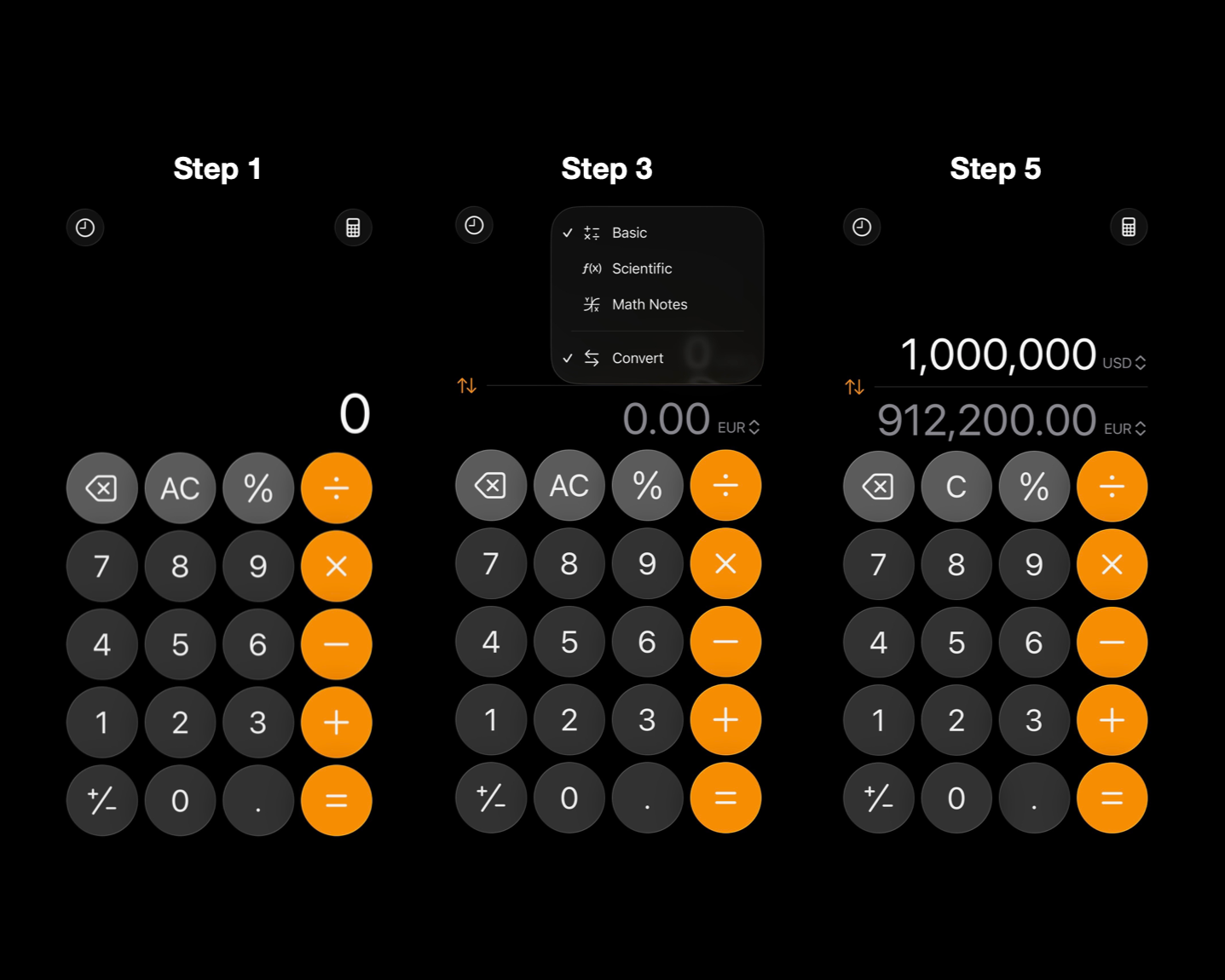
Screenshots of a currency conversion on an Apple iPhone.
The newer the mobile device, the more bells and whistles you can expect, but an easy iPhone trick going back a couple of software versions will have you converting world currencies in no time!
Follow the simple steps below to use the built-in calculator, while you’re online or offline, to convert between a variety of currencies.
Step 1: Open the Calculator app on your iPhone
Step 2: Click the calculator icon at the top right and select ‘Convert’
Step 3: Choose currencies by clicking on the unit abbreviations in the conversion calculation bar
Step 4: Tap on the currency you wish to convert, and the calculation will automatically pop up
That’s it! While the mobile system is powered by Yahoo! Finance, it’s a good idea to double-check off-app for the most up-to-date conversion rates, but this can give you a general idea.
Remember, too, that currency exchanges usually require a fee of some sort. You can often get around wildly high exchange rate fees by requesting currency through your financial institution, though not all currencies are available at all banks.
- AC
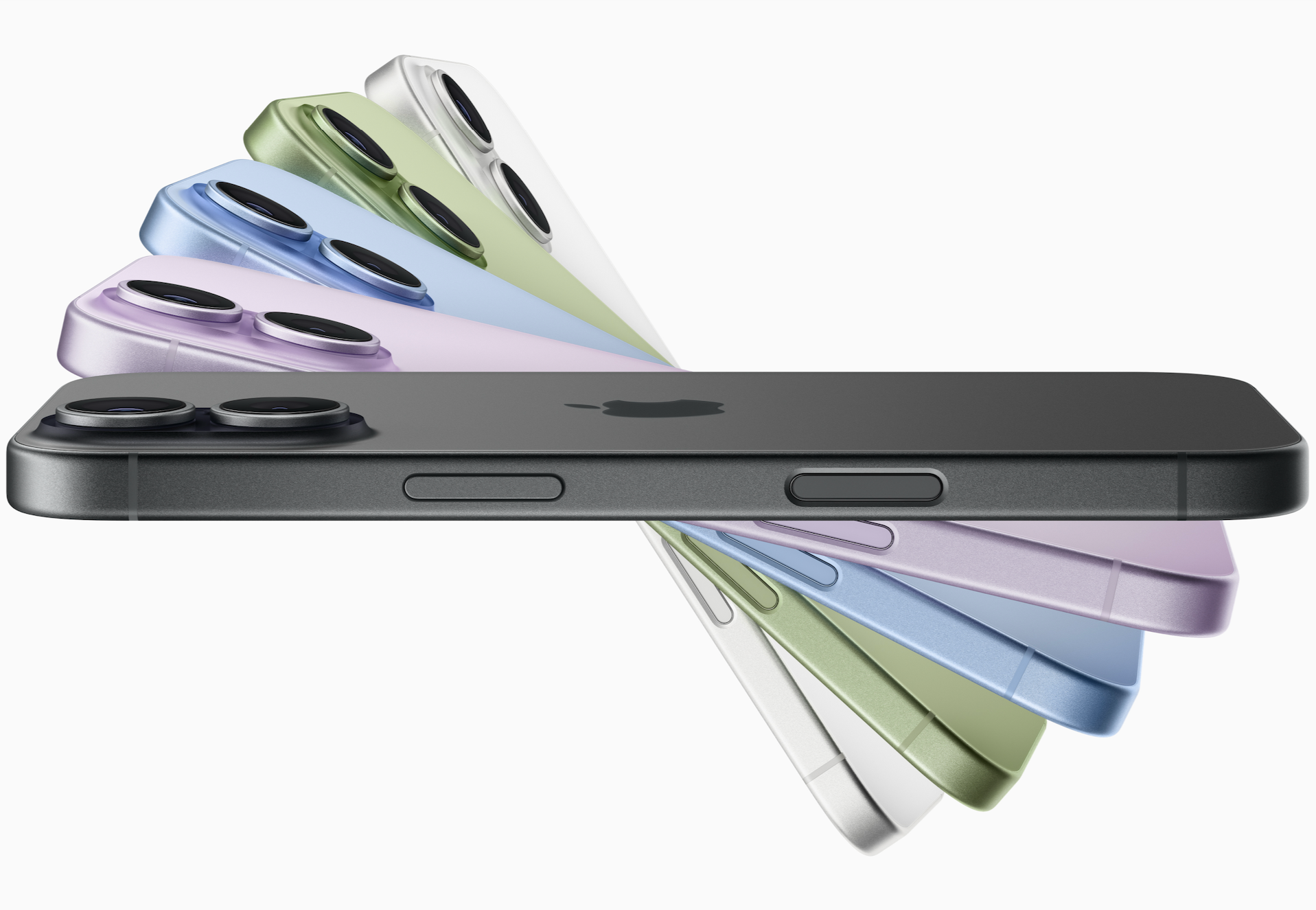
A media kit photo of the iPhone 17, released in late 2025. Apple image.